Deed Plotting Software by Sandy Knoll Software, LLC

Metes and Bounds - Deed Plotting Software

Tutorials and Videos for Metes and Bounds Deed Plotting Software

Tutorial Library


Video Library


Getting Started with Metes and Bounds Deed Plotting Software

Metes and Bounds Software Getting Started Tutorial

Tutorial #1

Working with Layers and Backgrounds

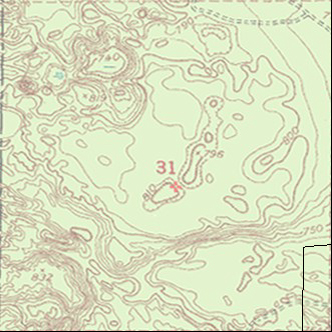
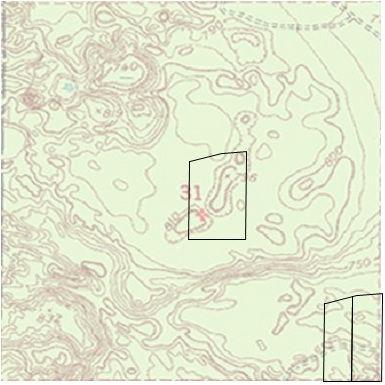
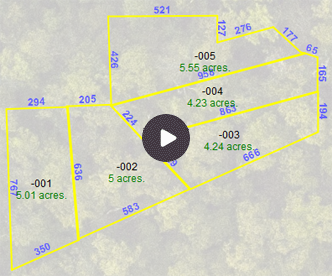
This tutorial will show you how to scale a background image, like a section map, and how to place multiple plots (layers) within the background picture.

Metes and Bounds Deed Plotting Software Background Image

Tutorial #2

Working with Waypoints

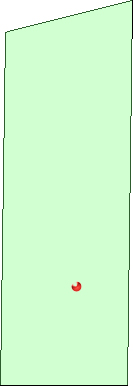
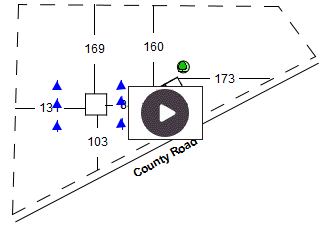
This tutorial will show you how to mark a latitude/longitude waypoint within a plot drawing. It also demonstrates working with KML files.

Metes and Bounds Software GPS Waypoints

Tutorial #3

Working with Labels

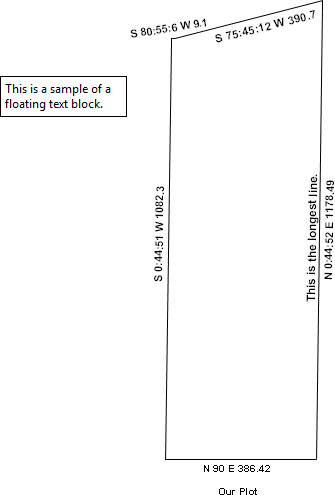
This tutorial will show you a number of different labeling options.

Metes and Bounds Software Call Labeling

Tutorial #4

Estimating Layer Overlap

This tutorial will show you how to estimate the area of two overlapping layers. In the process of finding the area of the overlap, we will also create a new layer of the overlap.

Metes and Bounds Software Plot Overlaps

Tutorial #5

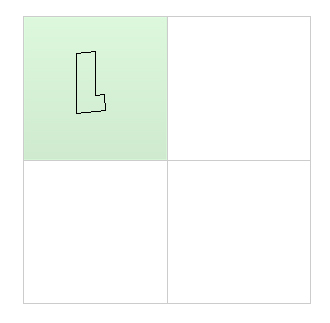
Working with Sections and Layers

This tutorial will show you how to create a section drawing and position a plot within it.

Metes and Bounds Software Plots in Sections

Tutorial #6

Working with Multiple Sections

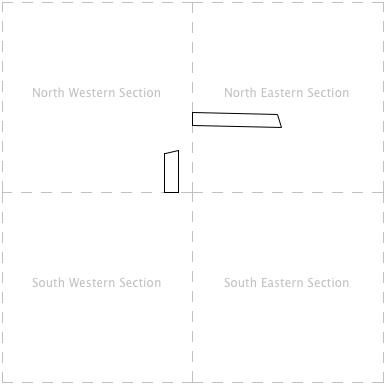
This tutorial will show you how to create a drawing with multiple sections and how to position plots within those sections. While tutorials #1 and #5 use background pictures to represent section information, this tutorial uses layers to create section information.

Metes and Bounds Software Multiple Sections

Tutorial #7

Working with Difficult Legal Descriptions

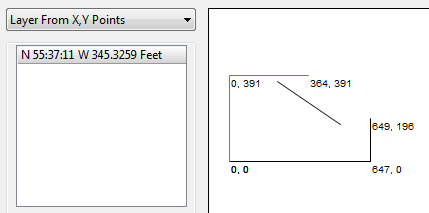
Descriptions with X, Y Coordinates

Metes and Bounds Software Plots

Tutorial #8

Merging Layers with Calls

This tutorial shows how to merge two layers into a single layer. It presents two different scenarios to show different techniques for merging layers.

Tutorial #10

Merging Layers with Endpoints

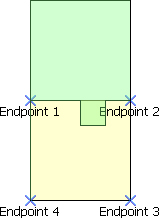
This tutorial shows how to use the Merge Layer - Endpoints tool to create a new layer that subtracts the exception layer from the original layer.

Metes and Bounds Software Merging Plots

Tutorial #9

Working with Grid Layers and Township/Range/Sections

This tutorial shows how to use the Grid Layer with Township/Range/Section information. It will draw two different plots into two different sections using T/R/S information.
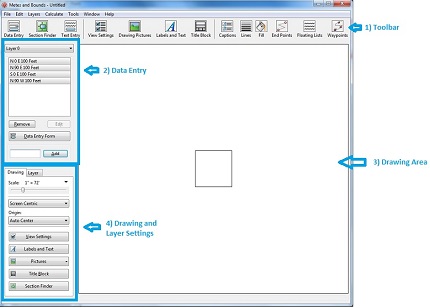
 

Metes and Bounds Help PDF

Download Metes and Bounds Help

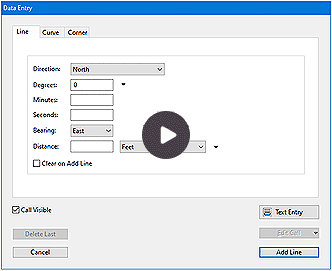
Data Entry Video

A video showing how to enter a legal description into Sandy Knoll Software, LLC's Metes and Bounds software.

Metes and Bounds Deed Plotting Software Data Entry

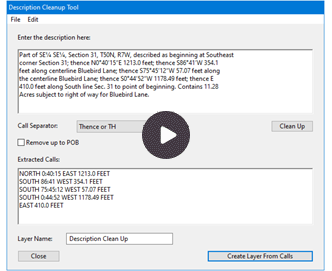
Legal Description Cleanup Video

A video showing how to import a legal description directly into Sandy Knoll Software, LLC's Metes and Bounds software.

Metes and Bounds Deed Plotting Software Legal Description

Export to Google Earth

This video shows how to use Sandy Knoll Software, LLC's Metes and Bounds software to export a legal description to Google Earth.

Metes and Bounds Deed Plotting Software Export to Google Earth

Scale Background Image

This video shows how to scale a background image using Sandy Knoll Software, LLC's Metes and Bounds software.

Metes and Bounds Deed Plotting Software Scale Background Image

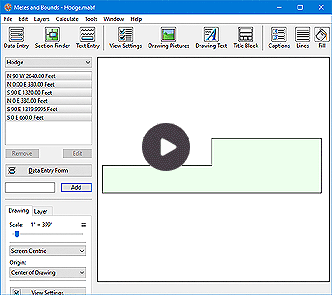
How to create a Site Plan

This video shows how to use Sandy Knoll Software, LLC's Metes and Bounds software to create a site plan.

Metes and Bounds Deed Plotting Software Create Site Plan

Merge Exception

This video shows how to use Sandy Knoll Software, LLC's Metes and Bounds software to merge a plot and an exception into a single plot.

Metes and Bounds Deed Plotting Software Merge Plots

Setbacks

This video shows how to use Sandy Knoll Software, LLC's Metes and Bounds software to create setbacks and align other layers to them.

Terms and Conditions/EULA